
Product Updates
A collection of 2 posts
Stay current with the latest features and platform improvements designed to refine your trading workflow. Explore how new AI tools and dashboard updates provide more clarity and control over your data.
Product Updates
Die Zeit Interviews Hoc-Trade Founder on Behavioral AI in Trading
Die Zeit, one of Germany's leading national newspapers, interviewed Hoc-Trade CEO Jonas Schleypen about TradeMedic AI, behavioral trading analytics, and why the company predicts trader psychology, not markets.
Agnes Mutiara
Product Updates
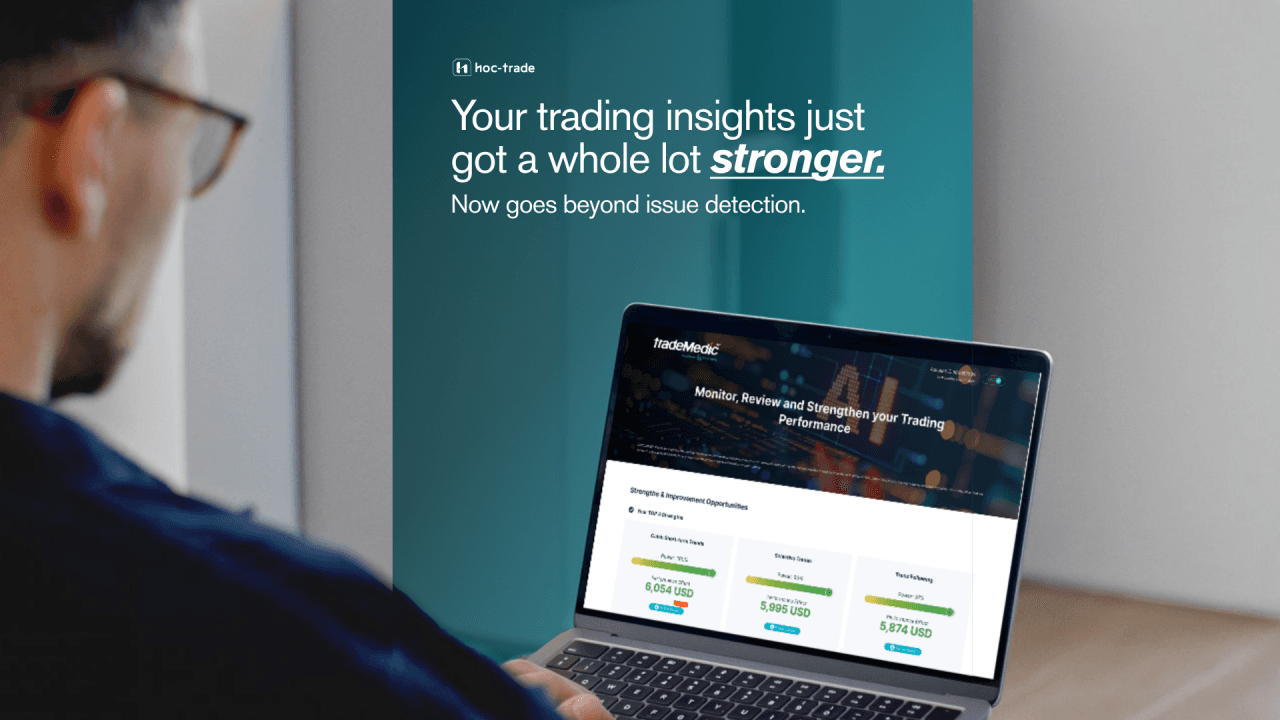
TradeMedic™ 2.0 : The Future of Trading is Smarter & Less Bias-Driven
TradeMedic 2.0 goes beyond flagging weaknesses. The upgraded report detects trading strengths, tracks performance shifts over time, and illustrates insights with real trade examples from your own account.
Jonas Schleypen
<
1
>